01Interactive 3D · for every industry

Your product. Hands-on. Right in the browser.

We build 3D experiences for brands, manufacturers, retailers and planners, from a lean product viewer to a configurator with your rules. No app, on any device.

  • Runs inany modern browser
  • DevicesDesktop, tablet, phone
  • Forproducts, spaces and ideas
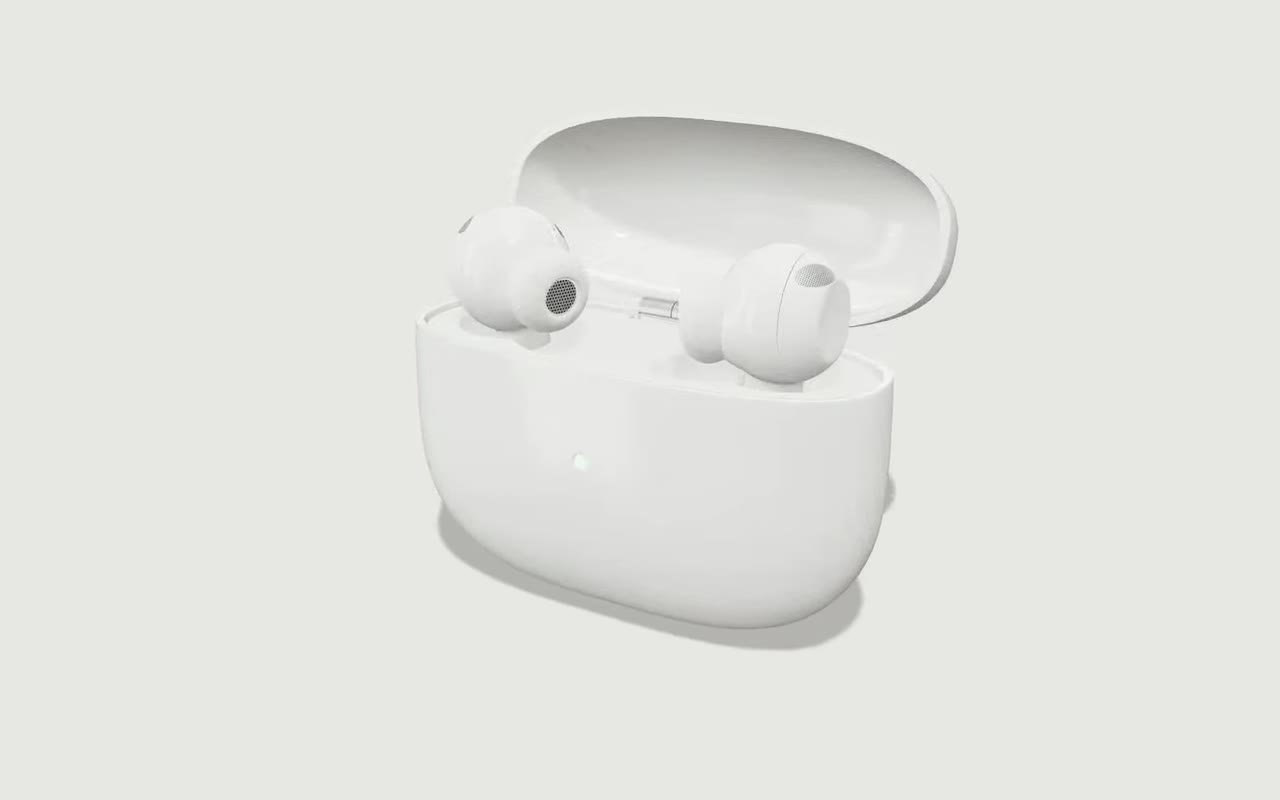
Earbuds with charging case – preview

Fig. 01 — Earbuds with charging caseOwn demo · fictional product

02Selected experiences

Three ways 3D sells.

Explain, personalise, experience: each preview shows what the model can do – start it live with one click.

Earbuds with charging case – preview

Exploded & function view

Show what sits inside the housing.

Open the lid, pull the parts apart in assembly order, explain features right on the model – for product pages, sales and trade fairs.

  • Exploded view with labelled parts
  • Notes fly the camera to the detail
  • Colours and finishes live
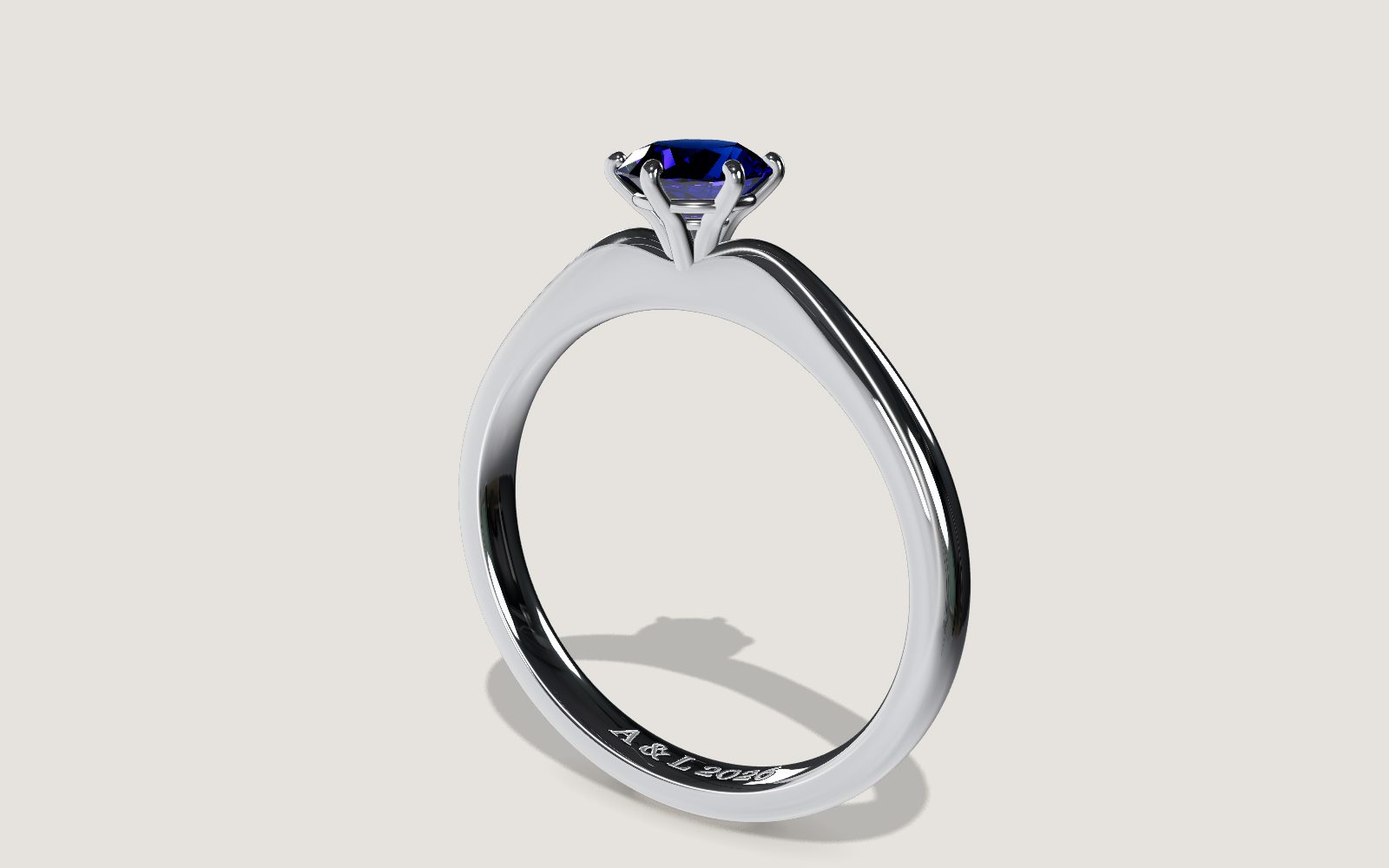
Solitaire ring – preview

3D configurator

Personalise before anything is made.

Choose metal, stone, carat, setting and engraving and see it at once – with a brilliant cut that really refracts light.

  • 57-facet brilliant, rendered live
  • Camera flies to the setting
  • Engraving with your own text
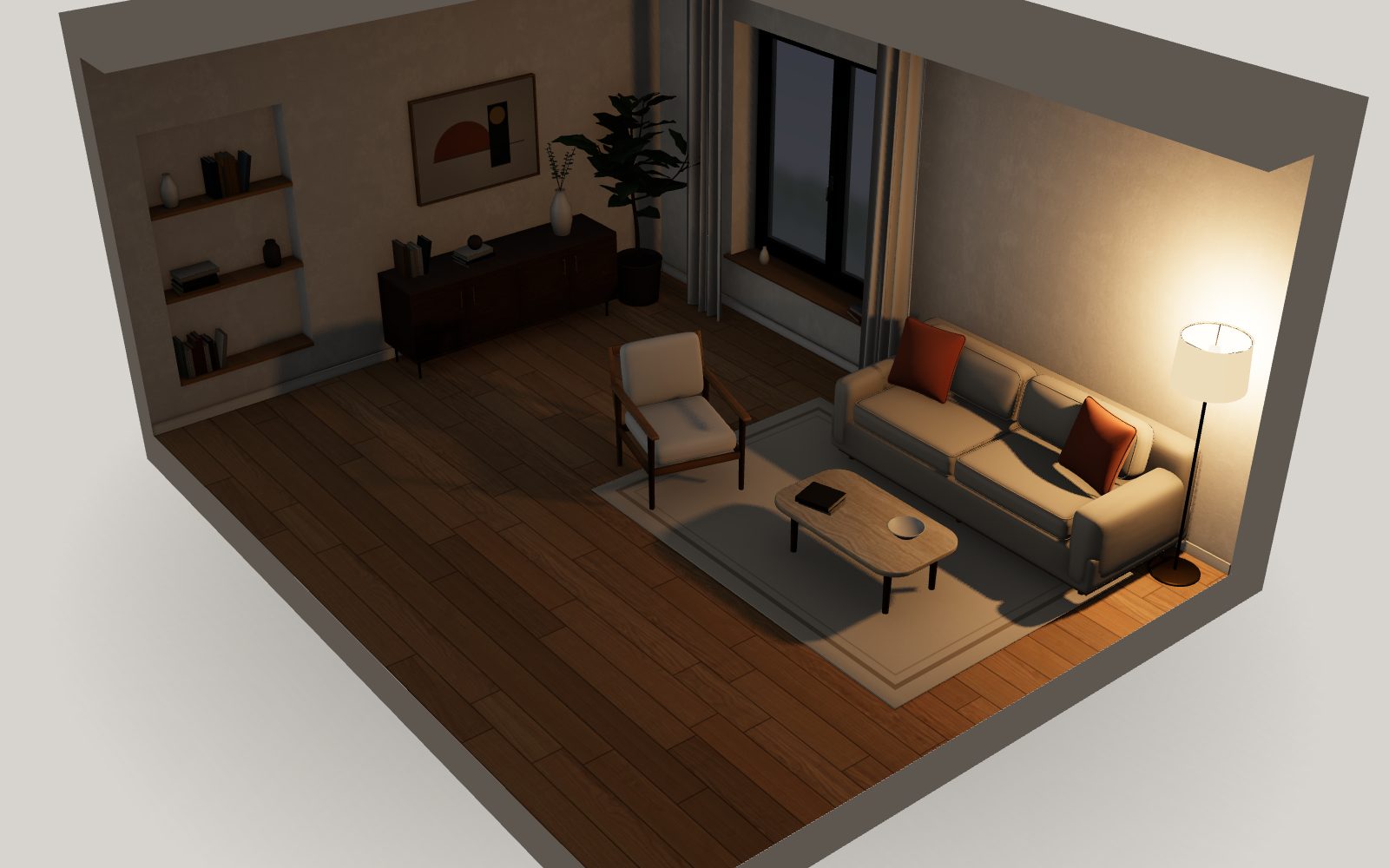
Living room cut-away – preview

Spaces & planning

Experience spaces before they are built.

Swap floors, wall colours and furniture, follow daylight through the day, switch between 3D, eye level and plan.

  • Sun by time of day, the lamp at night
  • Furnished or empty
  • Floor plan at a click

03What we build

Six ways to show a product.

Not every business needs a configurator. Sometimes a good viewer is enough, sometimes the product has to explain how it works. Together we pick the form that reaches your goal.

  1. L.01

    3D product viewer

    Your product from every side: turn it, zoom in, discover the details. Often all it takes to show more than photos can.

    Turn and zoom · Materials and colours · Notes on the model itself

    Examples →
  2. L.02

    3D configurator

    Pick colours, materials, sizes and options and see them at once. With your rules, and a parts list or enquiry if you need one.

    Options and sizes · Your own text and logos · Rules that allow only valid variants

    Examples →
  3. L.03

    Exploded & function view

    Show what is inside and how it works: pull the parts apart, run the mechanism, build it step by step.

    Exploded view · Moving mechanisms · Cut-away and see-through

    Examples →
  4. L.04

    Spaces & planning

    Make rooms, sites and layouts explorable: compare furniture, finishes, light and capacity before anything is built.

    Switch layouts · Finishes and light · Plan and 3D

    Examples →
  5. L.05

    From CAD and 3D data

    Existing design data becomes a light model for the browser, if it is suitable. We check that before we start.

    From drawings, photos or CAD · Made light for the web · Client data stays private

    Examples →
  6. L.06

    Images from the 3D model

    The same model renders product images for every variant, consistent with the configurator, without a new photo shoot.

    An image per variant · Same look as the 3D · For shop, catalogue and quotes

    Examples →

04Your industry

Pick your industry. Try it.

Every example is real 3D in your browser, with the settings that matter in that industry.

    Solitaire ring – preview

    Your industry is missing? The technology is the same – tell us about your product.

    05Selected work

    Live with a client. And our own demos.

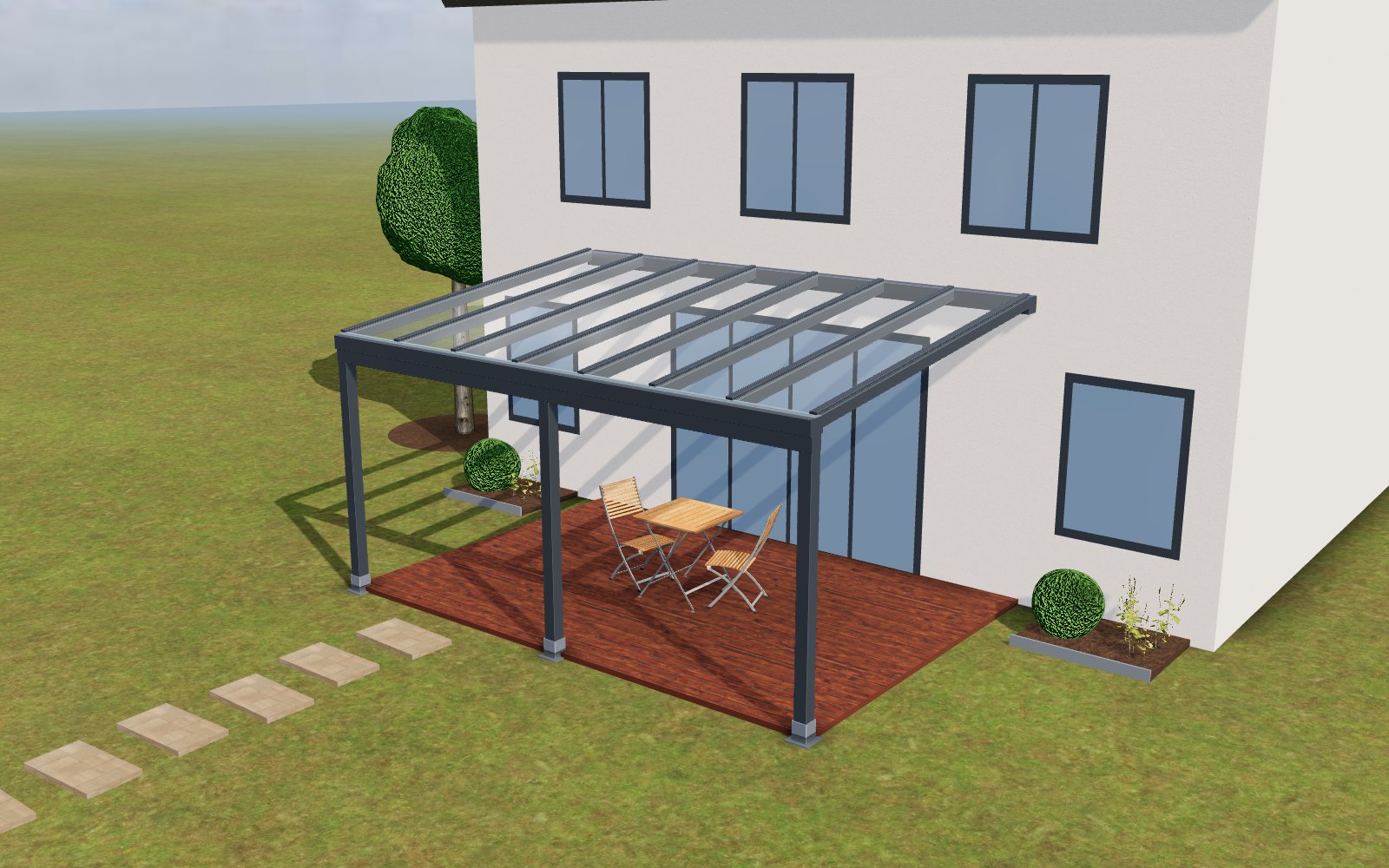
    ALUXIL Skyline in 3D – rendered from the live model

    Client project · live

    ALUXIL: the 3D model right next to the price.

    ALUXIL GmbH makes aluminium patio roofs. Since 16 September 2026 every product page on aluxil.de shows the system in 3D, and the model follows every choice. The product images come from the same model.

    • 3systems
    • 152combinations
    • 4explainer views

    Own demo · fictional product

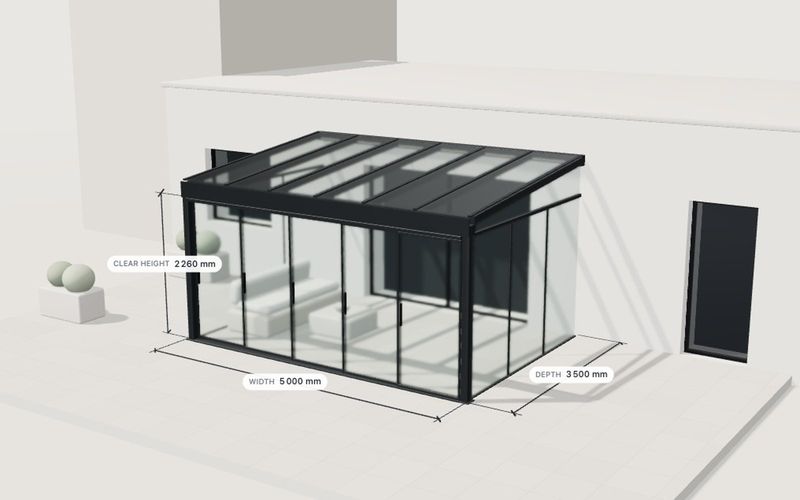
    Glass room configurator

    A complete configurator for a fictional glass room: size, sliding front, roof glazing, frame colour.

    Construction, architecture & outdoor · 3D configurator · Exploded & function view

    Details →

    Own demo · fictional product

    Shelving configurator

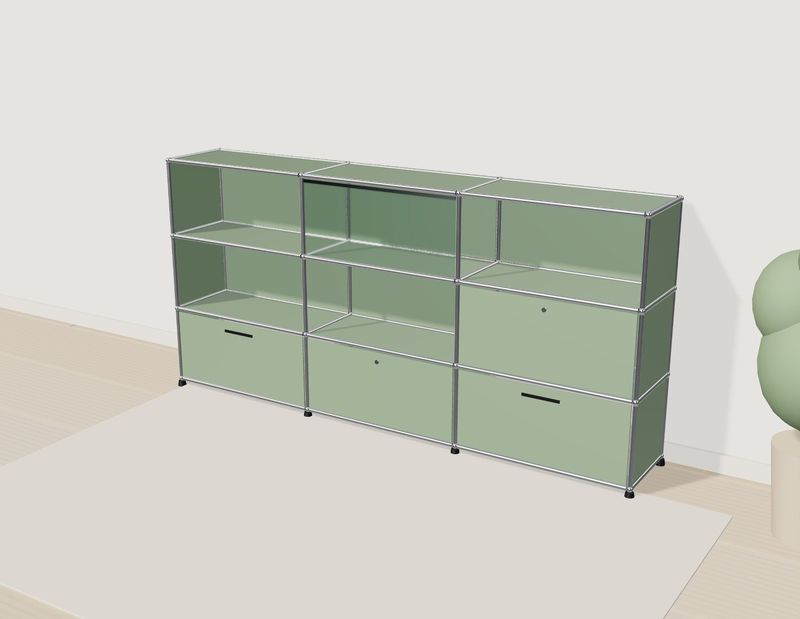
    A modular shelf: change the grid, fronts and colours, or click a compartment in 3D. The parts list keeps up.

    Furniture & interiors · 3D configurator

    Details →

    For prospective clients we build concept studies of their own product first. Those stay private and are not shown here.

    06Beyond the configurator

    Which solution fits you?

    We start from your goal, not from the technology.

    07How we work

    From your materials to 3D in the browser.

    1. 01

      Conversation

      What should a visitor understand, compare or choose? From that we suggest the right solution.

    2. 02

      Materials

      Photos, dimensions, drawings or samples, plus CAD data if you have it. We check what is usable before we start.

    3. 03

      Model and features

      We build your product in 3D and implement exactly the features we agreed.

    4. 04

      Review

      You test it via a private link on your own devices. We revise.

    5. 05

      Go live

      As its own page or embedded in your website or shop. Hosting and updates if you like.

    Scope and timeline depend on the product. You get a fixed-price quote before we start.

    08FAQ

    Common questions.

    We have no CAD data. Can you still do it?

    Yes. Photos, dimensions and drawings are usually enough. Existing CAD or 3D data can speed things up if it suits the web; we check that first.

    Do visitors need an app?

    No. Everything runs in the browser on desktop, tablet and phone, without a plugin. The 3D starts only when the visitor opens it; until then the page shows a preview image or video. Devices without 3D support keep the preview image.

    Does it work with our website or shop?

    Yes. The 3D is linked as its own page or embedded with a short snippet, whatever your CMS.

    What does it cost?

    It depends on the scope: a product viewer is much smaller than a configurator with rules and variants. You get a fixed-price quote before we start.

    Our industry is not listed.

    The examples show what is possible, not where it ends. If your product, space or idea is easier to grasp once people can turn and try it, it fits.

    Do you offer AR or ERP and CRM integrations?

    Not as standard. Enquiries by e-mail or webhook are set up per project; AR and deeper integrations we assess case by case and tell you honestly whether they make sense.

    Do our files stay confidential?

    Yes. Your files and drafts are only shared with you via private links. Client work appears in our gallery only with explicit permission.

    09Contact

    Tell us what you want to make interactive.

    A product, a space or an idea, even if your industry is not shown above. We reply with a suggestion for the 3D solution that fits your goal.

    • A suggestion for the right solution
    • A no-obligation outline of scope and fixed price
    • Files by e-mail; for large or confidential files we set up a shared folder for you

    Or write to: [email protected]

    We use your details only to answer your enquiry. They go to our mailbox [email protected] and are kept on our server for at most 30 days. More in our privacy policy.

    Full page →