Desk configurator for office furniture makers: selling sit-stand desks in 3D
What a 3D sit-stand desk configurator needs: top, frame, height range, add-ons, bench desks, fit check, scope of delivery and enquiry.
Short answer: a desk configurator earns its place at office furniture makers, desk frame makers and dealers when it shows the desk the way it is sold: as a package of top, frame, colour and add-ons that moves. The buyer picks the top size, shape and surface, the number of columns and the frame colour, single desk or bench, cable management and add-ons, and watches the desk rise and lower between two example positions in the model. If a combination breaks the example rules, the configurator says so at once. It ends in an enquiry with the configuration, the checks and the scope of delivery.

Who is a desk configurator for?
This guide is for managing directors, sales and product leads at office furniture makers, at makers of electric height-adjustable desk frames, and at dealers and contract furnishers who put together desks for offices. Their buyers are purchasing and facilities staff, planners fitting out whole floors, and individual buyers ordering a desk for a home office online.
A configurable sit-stand desk is not a single item. It is a top in a given size and finish, a frame with a given number of columns and a colour, and a set of add-ons that sit under or on the top. Without a configurator, buyers have to work out from lists and data sheets which combinations you offer and which you do not.
What makes sit-stand desks different from other furniture?
- The desk moves. Height adjustment is the defining feature. A photo shows the desk at one height; what happens on the way up and down is not visible.
- The package is built from parts. Width, depth, shape and surface of the top, columns and frame colour, cable tray, panel, monitor arm and pedestal are chosen one by one and have to fit together.
- It gets tight under the top. Cable tray, pedestal and CPU holder share the space under the desk. How low the desk can still go depends on their sizes.
- Single desks and benches are different products. Two desks back to back with a shared panel need a different footprint and a different scope of delivery from a single desk.
Without a configurator, sales and buyer sort these points out on the phone or by email. A configurator asks the questions in the order the desk is put together and shows the effect of each choice in the model.
Which features does it need, and what does our example show?
| Feature | Why | In the example configurator |
|---|---|---|
| Top size and shape | show your range | yes: width 1,200 to 2,000 mm and depth 700, 800 or 900 mm in fixed steps; rectangular, rounded (R 100) or with a curved front |
| Surface | show your finishes | yes: four melamine colours, oak and walnut veneer look, four linoleum-look colours with a birch edge |
| Frame | show the variants | yes: three-stage lifting columns, two or three columns, four frame colours |
| Single desk or bench | contract business | yes: bench with two facing workplaces and a shared panel |
| Height adjustment in the model | show the movement | yes: slider 650 to 1,250 mm (example range), columns extend visibly |
| Cable management and add-ons | build the package | yes: cable tray, cable spine, grommets, felt panel, monitor arm, mobile pedestal, CPU holder, power module |
| Rules and fit check | catch mismatches early | yes: options disabled with the reason, check under the top with a one-click suggestion |
| Scope of delivery, enquiry text, PDF | an enquiry with every detail | yes: example scope of delivery, text to copy, PDF with two views |
| Your prices | price range | no, added in a project |
What does it bring?
We do not promise figures. The benefit lies in work that every enquiry for a configured desk creates:
- The enquiry names the whole package. Top size, shape, finish, number of columns, frame colour, layout, cable management and add-ons are in the enquiry, along with the number of desks.
- Mismatches show up early. A middle column or a dual monitor arm on a top that is too narrow is disabled, with the reason. If the add-ons under the top get in each other's way, a check shows it before anyone writes a quote.
- Buyers see the movement. The columns extend in the model, and an example figure stands up and sits down again. That does not replace a showroom visit, but it shows the feature that sets a sit-stand desk apart.
- Comparable enquiries. Every enquiry follows the same structure, from the top to the scope of delivery.
Example: our desk configurator
The desk configurator is an example configurator by Modelwright with a fictional product. All sizes, heights, rules and checks are example values; the demo shows no prices and makes no statement on ergonomics, health, sound absorption, standards or load capacity. The default is a single desk with a rounded 1,600 × 800 mm top in light oak (veneer look) on a white two-column frame, with a cable tray, a cable spine, a felt panel in sage and one monitor arm.
The demo runs through seven steps: Top, Frame, Height, Cables, Add-ons, Review and Enquiry. In the Height step the buyer drags the slider and the columns extend visibly in the model; the height appears as an example value in the readout and on the handset at the desk. Two buttons move the desk to the example positions 720 and 1,100 mm. These positions belong to a fictional 1.75 m figure and are not a recommendation. The figure stands up, the chair rolls back, and on the way down the figure sits again. The animation is sped up; it shows the sequence, not the pace of a frame.
Add a mobile pedestal with an 800 mm deep top and a check appears: the cable tray now sits above the pedestal, and under the example calculation the desk only goes down to 740 mm, so it can no longer reach the 720 mm example position. One click on the suggestion shortens the tray so it ends before the pedestal, and the lower limit drops to 670 mm. For parts like these the view moves under the desk on its own; for grommets and the power module it moves to the top.
At the end there is a review with the checks and an example scope of delivery, an enquiry text to copy and a PDF with a 3/4 and a side view. The demo does not send the enquiry; the text and PDF are created in the browser only. In a project the enquiry goes to your sales team by email or webhook.
Tested: an independent QA round went through the controls of version 3 directly and inside the library page on two emulated screen sizes (244 of 244 results with a visible change), checked the remaining controls by hand and reviewed the page on seven emulated widths from 360 to 1,440 px in German and English. The five defects it found were fixed in version 4, the live version, and re-checked independently, also emulated. No real phones were tested.

Example configurator · fictional product
Desk configurator (sit-stand desk)
Put together an electric height-adjustable desk: choose the top, frame, height, cable management and add-ons, and watch the desk move between sitting and standing height.
How the height range, the column and monitor rules and the check under the top work in detail is covered in Standing desk: height range, add-ons and fit check.
How is it built for your range?
For your product we build the configurator with your frames and lifting columns, your top sizes, shapes, finishes and edges, your add-ons, your rules for height range, number of columns and add-on combinations, your scope of delivery, your enquiry route and, if you wish, your prices. The model is built from your dimensions and drawings, not from a stock model. If you also make seating, Office chair configurator for manufacturers shows the same idea for chairs.
Which details retail, your own shop and contract projects need is covered in Enquiries, retail, dealers and contract projects; the effort in Furniture configurator cost. The project process is described on 3D configurator development.
Frequently asked questions
Does the configurator recommend sitting and standing heights?
No. The positions 720 and 1,100 mm are example positions of a fictional figure, there so that the movement can be seen in the model. The demo makes no statement on ergonomics or health. In a project you decide which positions and texts your configurator shows.
Can we use our own frames and combination rules?
Yes. In the demo a middle column is available from 1,800 mm top width and two screens from 1,400 mm, each as an example rule. In a project your height range, your column variants, your add-on sizes and your exclusion rules replace those values.
Can it show prices?
The demo shows none. Pricing by top, frame and add-ons can be added in a project if you want buyers to see prices.
Sources
- Demo features: "Live in this demo" list and note on the desk configurator (sit-stand desk) library page, read 18 November 2026: modelwright.de/en/library/desk-configurator/
- Rules and default set-up: demo source code (data.js, app.js) and schema notes; test results: logs of the independent QA round and the re-check of 17 November 2026, emulated devices.
Read next
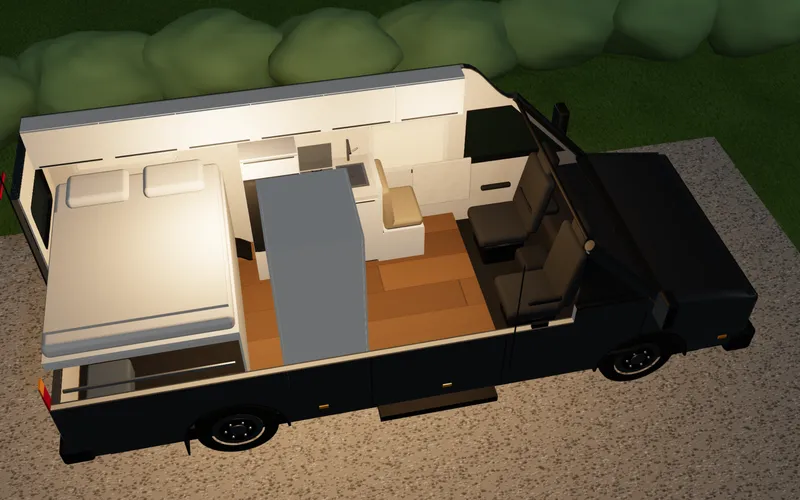
Camper van configurator for van converters: features, benefits, build
What a 3D camper van configurator needs for van converters: layouts, a space check, day and night mode, an example total and a PDF enquiry.
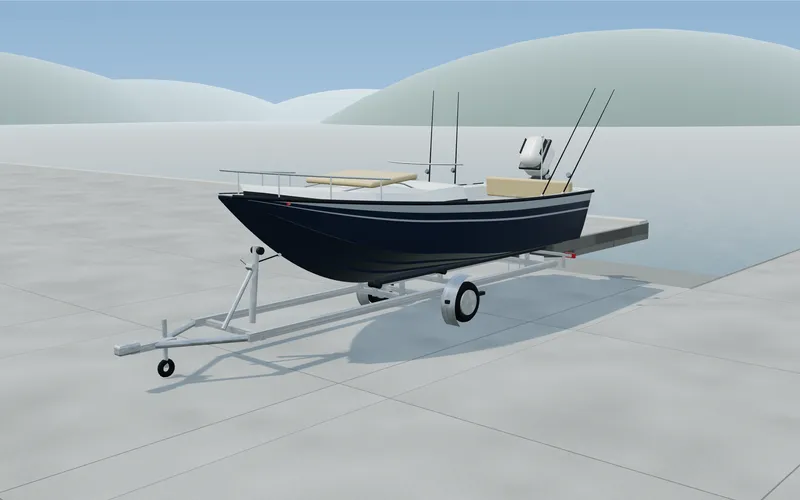
Boat configurator for boat builders and dealers: features, benefits, build
What a 3D boat configurator for small powerboats needs: length, helm layout, colours, equipment, engine, trailer, option rules and a PDF enquiry.
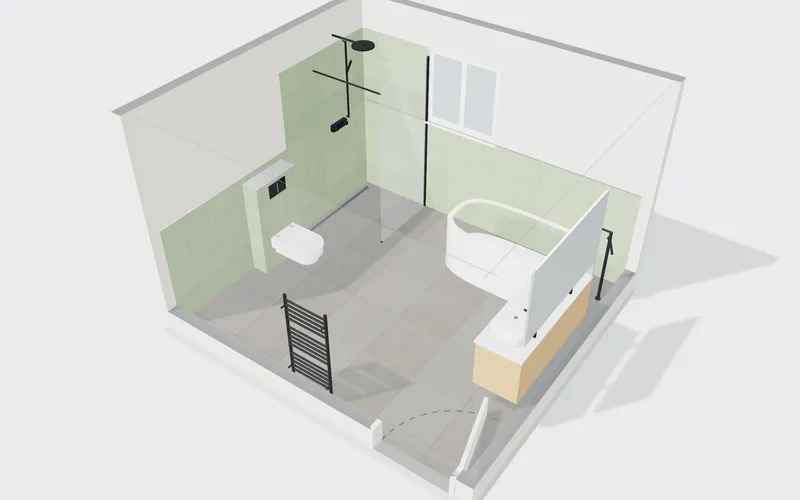
Bathroom planner for sanitary ware, bathroom furniture and tile makers: features, benefits, build
What a 3D bathroom planner needs for manufacturers: room size, presets, fixtures on the walls, tiles, clearance check, equipment list and enquiry.