Can you turn CAD files into a web-based 3D configurator?
What happens when CAD becomes web 3D: formats, tessellation, simplification, materials, model structure for interaction, IP protection, and what to send.
Short answer: usually, yes. Neutral exports (STEP, IGES) or native CAD files are converted and simplified into a lightweight web format such as glTF/GLB. Hidden internals are removed, materials are reassigned for the screen, and parts are grouped so the configurator can switch, move and explode them. Precise manufacturing geometry stays in your CAD.
This guide is for engineering leads, product managers and technical marketing teams at manufacturers who design in SolidWorks, Inventor, Creo, NX, Rhino or similar tools. It explains what has to happen to the data, which decisions affect quality and cost, and how to keep your intellectual property protected.
Which CAD data works
CAD and web 3D are built for different jobs. CAD describes exact surfaces and features for engineering and production. A web viewer needs a compact set of triangles, materials and named parts that a browser can draw quickly.
- Neutral formats. STEP is defined in ISO 10303, a family of standards for exchanging product data between CAD systems [3]. STEP and IGES exports are the usual starting point, because they open without your CAD licence.
- Native files. Native exports from your CAD system can also work. Whether a specific format is usable is something we assess per project; we do not promise support for every native format.
- The target format. glTF is a royalty-free Khronos specification for transmitting and loading 3D scenes and models efficiently [1]. A .glb file packs the model, its materials and textures into one binary file that web viewers load directly.
- Assemblies. Export the assembly with a clear part structure. Flattened single-body exports lose the structure that interaction needs (see decision 4 below).
Web 3D runs in the browser through WebGL, a JavaScript API for interactive 3D without plug-ins [6]. According to caniuse, WebGL 2.0 is supported by browsers covering 97.29% of global usage (StatCounter data, October 2026) [7].
From CAD to web in five decisions
Converting a file is the easy part. The quality of the result depends on five decisions, ideally made together with someone who knows the product.
1. What to leave out
A production assembly contains far more than a buyer needs to see: internal features, threads, small fasteners, purchased parts in full detail. Each one costs file size and rendering time. The first decision is what the viewer must show, and everything else is removed or replaced with a simple stand-in. That also removes manufacturing detail you may not want to publish.
2. How fine the surfaces must be
Browsers draw triangles, not exact CAD surfaces. Tessellation turns every curved surface into triangles, and the settings decide how smooth a bore, a radius or a fillet looks. Too coarse looks faceted; too fine makes the file heavy. The usual approach is a triangle budget per part: generous where the eye goes, such as visible edges, handles and logos, and lean everywhere else.
3. Materials and colours for the web
CAD colours often say little about the real finish. For the web, each surface gets a physically based material (glTF uses a metallic-roughness model [2]) that reads as powder coat, anodised aluminium, glass or rubber under realistic light. Finishes and colours that the buyer can choose become material variants the configurator switches.
4. Structure for interaction
This is where a configurator differs from a viewer. Every part the buyer can switch, move, open or explode needs its own name, a sensible group and a pivot point in the right place. Exploded views also need an order: which part moves first, in which direction and how far. A glTF file stores this structure as a hierarchy of named nodes [2], but someone has to define it, and that usually takes more thought than the conversion itself.
5. Compression and testing on real devices
After simplification, compression reduces the download further. Open tools such as Draco [4] and meshoptimizer [5] compress mesh data for the web. How much a file shrinks depends entirely on the model, so the only reliable figure is the one measured on your data. Test on the phones and tablets your buyers actually use. We measure in the lab and review on your own devices through a private link; lab scores alone are not proof of real-world performance.
What interaction needs from your model: examples
The demos below show what a well-structured model can do in the browser [9]. They are fictional products built with Modelwright's own geometry, not converted from any customer's CAD, and their technical values are examples.
- The spur gear reducer switches between a closed housing, a see-through cover and an exploded view in assembly order. It shows bearings, seals, circlips and bolts, and runs the drive with its 3:1 ratio. Every one of those parts must exist as a named, separately movable part.
- The planetary gearhead adds a cut-away view, item numbers on the parts and an adjustable input speed. Item numbers only work if part names in the model match your parts list.
- The acoustic machine enclosure configurator plays an assembly sequence (posts, panels, rails, roof) and has a cut-away view in which the front wall folds down. An assembly sequence needs the model grouped by assembly step, not by CAD file.
- The modular automation cell runs a process with a robot and swaps modules in three slots. Swappable modules need shared connection points.
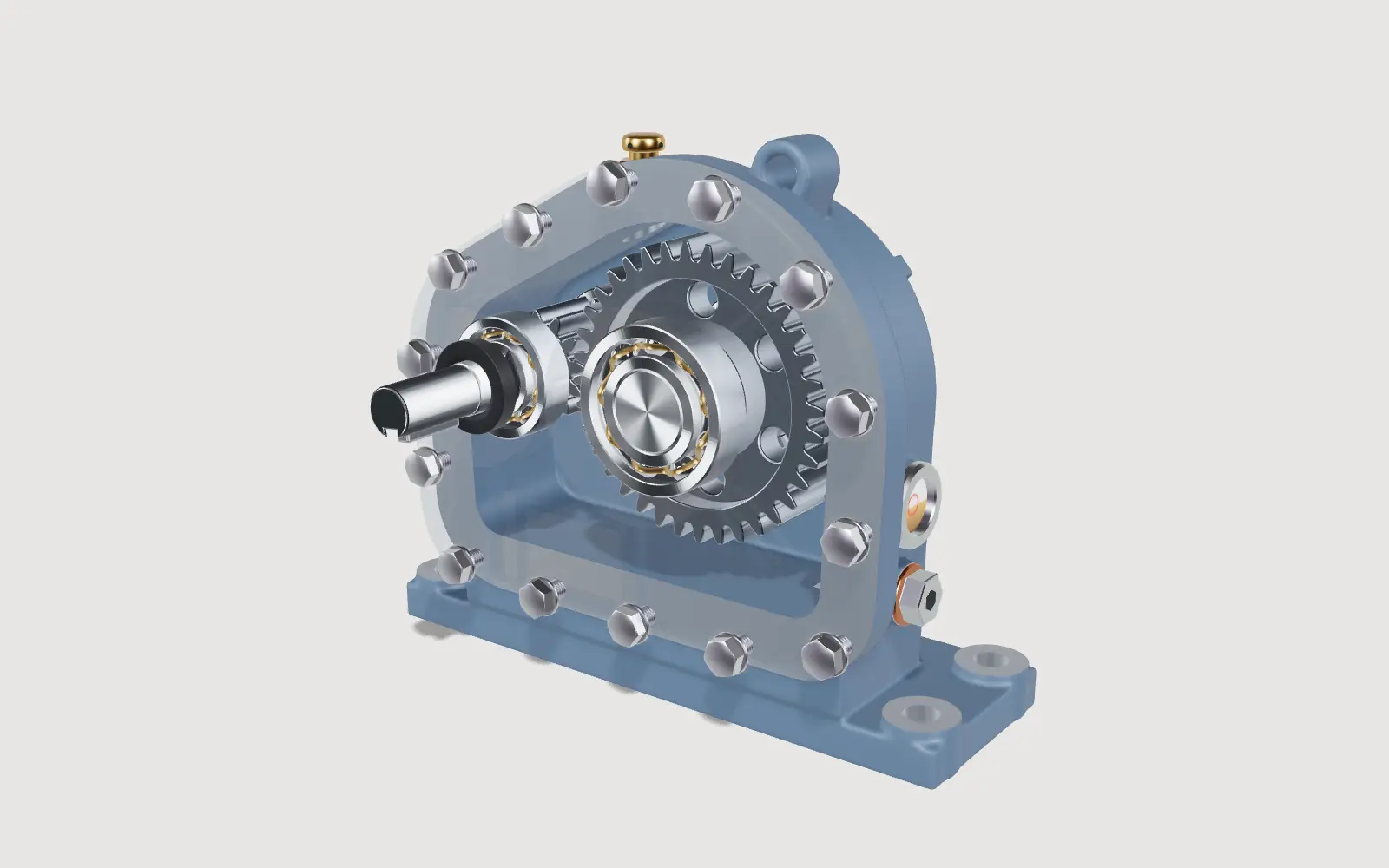
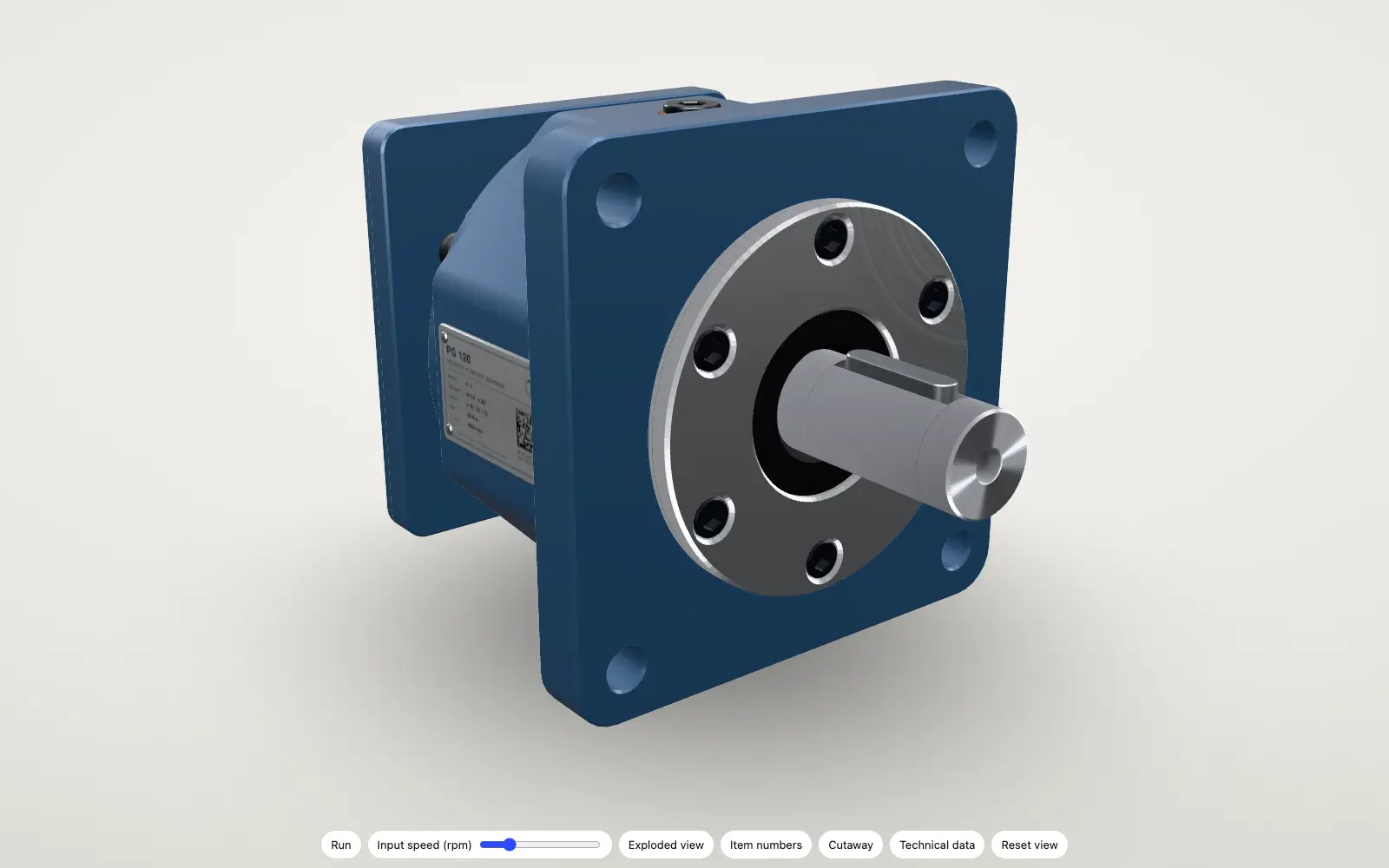
More on this kind of view: interactive exploded views.
A real project built from design files: QASTIC
QASTIC, an architecture and design studio in Los Angeles, designed the Lutie Café outdoor furniture system: a bench, adjustable tables, a chair and a stool that change through the day. We built the 3D model from the studio's own Rhino files, so sizes and shapes come straight from the design rather than from a copy traced from photos. Since 30 October 2026, it has been live on lutie.qastic.com, in QASTIC's design and on QASTIC's domain [8].
- 5 scenes, from lunch to after hours, show how the system changes
- 4 times of day, from morning to evening
- 4 single-piece views (bench and tables, table, chair, stool), each with an exploded view
Protecting your intellectual property
Anything a browser displays has to be downloaded to the visitor's device first. That is true of every web 3D viewer, so no vendor can honestly promise that a published model cannot be copied. The protection lies in what you publish and who sees it before launch:
- Publish a simplified model, not your CAD. The web model has no feature history, tolerances or hidden internals, only the visible surfaces at screen resolution.
- Leave out manufacturing detail that competitors should not see, such as internal geometry or supplier parts.
- Keep work in progress private. Modelwright shares previews only through private links, and client work appears in our gallery only with explicit permission.
- Host a 3D view on your own domain if you prefer. A 3D view (Package A) can run from your own server; configurators are hosted by us in Germany. In the project we built for ALUXIL, a company related to Modelwright, every file is served from aluxil.de, with no third-party requests and no cookies [8]. See the ALUXIL case study.
No CAD? Photos and drawings are often enough
You do not need CAD to get a good web model. Photos from every side, dimensions and drawings are usually enough for us to build the product in 3D. CAD helps when it is suitable for the web, and we check that before we start. For products with complex mechanisms, dimensioned drawings of the moving parts are especially useful.
What to send us
- One representative assembly as STEP (or IGES), or a native export, plus a note on the CAD system it comes from
- A list of the parts buyers must see, and of parts that must never be shown
- Finishes and colours, ideally with photos or physical samples
- The options and variants, with the combinations you do not build (a spreadsheet is fine)
- Moving parts and the order in which the product is assembled, if the configurator should explode or animate it
- Article numbers and prices, if a parts list or example price should appear
We check the data for web suitability before we quote. What it costs depends on the scope; our guide on what a 3D configurator costs explains the eight factors. Examples from other industries are in 3D product configurators for manufacturers, and the service itself is described under custom 3D configurator development.
Sources
- Khronos Group, glTF overview, read 14 November 2026: khronos.org/gltf
- Khronos Group, glTF 2.0 specification: registry.khronos.org/glTF/specs/2.0
- ISO 10303 (STEP), summary: en.wikipedia.org/wiki/ISO_10303
- Draco 3D compression library: google.github.io/draco
- meshoptimizer: meshoptimizer.org
- MDN Web Docs, WebGL API: developer.mozilla.org
- caniuse, WebGL 2.0, read 14 November 2026: caniuse.com/webgl2
- QASTIC: QASTIC case study; ALUXIL: ALUXIL case study
- Demo features: the "Live in this demo" lists on each linked library page (read 14 November 2026)
Read next
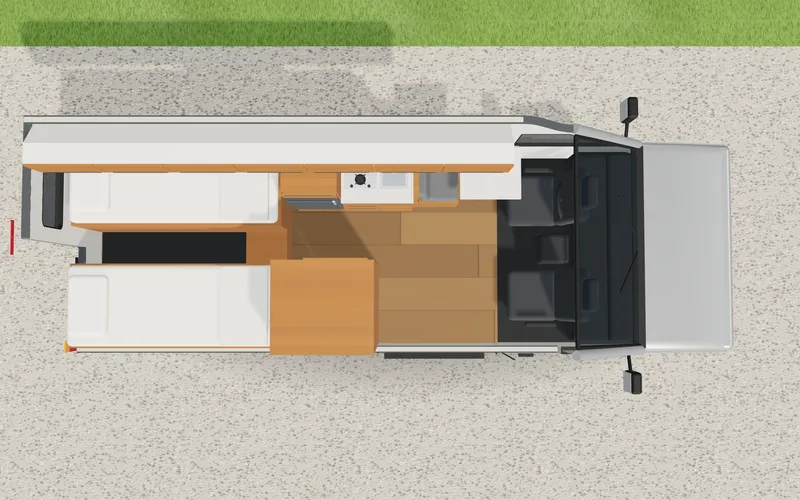
Van conversion layout: kitchen, washroom and the space check in a configurator
How a camper van configurator plans a conversion: layout zones, free length per side, kitchen and washroom with a space check, example rules and total.
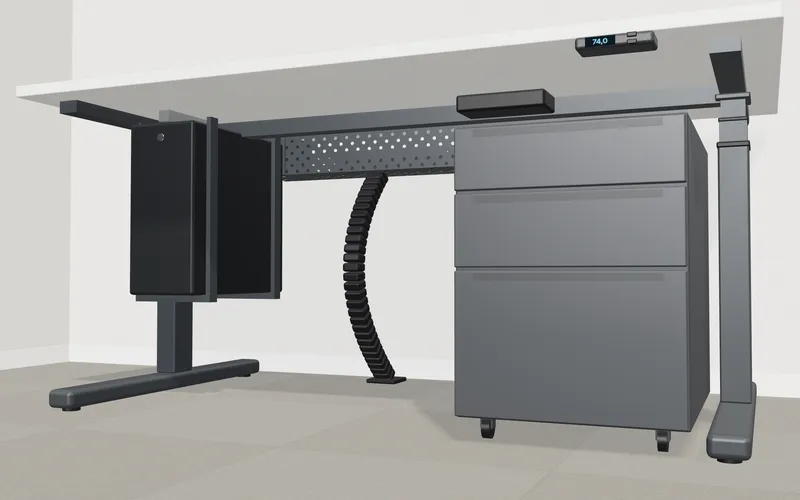
Standing desk configurator logic: height range, add-on rules and the fit check under the top
How a sit-stand desk configurator handles the height range, column and monitor rules, add-ons under the top and a scope of delivery from one plan.
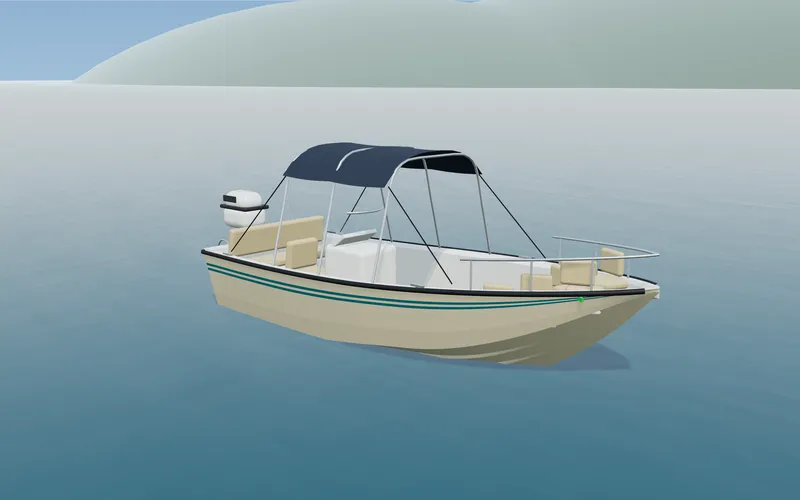
Boat configurator logic: option rules, trailer and clearance check on the 3D model
How a boat configurator links length, helm layout and equipment by rules, shows the trailer and compares the rig height with an entered clearance.